
By default, you will be able to open only one instance of regedit on a computer. If you 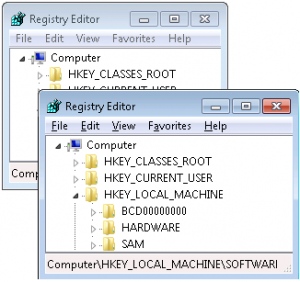 want to open multiple regedit windows for any tasks like comparison, you can use “regedit -m” command which open another instance without disturbing current one.
Happy Learning..,
Sitaram Pamarthi